How to Create and Launch a Funnel in GoHighLevel CRM Here in Nigeria
A website tells people about your business. A funnel tells them what to do next. That's the whole difference, and it's why so many Nigerian businesses that switch from a regular website to a proper GHL funnel see more bookings and more sales without spending a naira more on ads. The traffic doesn't change. What changes is that visitors stop wandering around a homepage and start moving down a path you built on purpose.
If you've already read our post on creating and launching a website in GoHighLevel, think of a funnel as that same builder, but stripped of distractions and pointed at one goal, a booked call, a sale, a WhatsApp conversation, whatever matters most to your business.
This guide covers the full process: building the funnel, connecting the automation behind it, handling payments and domains as a Nigerian business, and actually launching it to real traffic.
What a funnel is, and why it beats a regular website page
A website usually has a menu: Home, About, Services, Contact, and visitors bounce between them however they like. A funnel removes the menu. Someone lands on page one, and the only real option is to move to page two. Then page three. Every distraction that could pull them away gets stripped out on purpose.
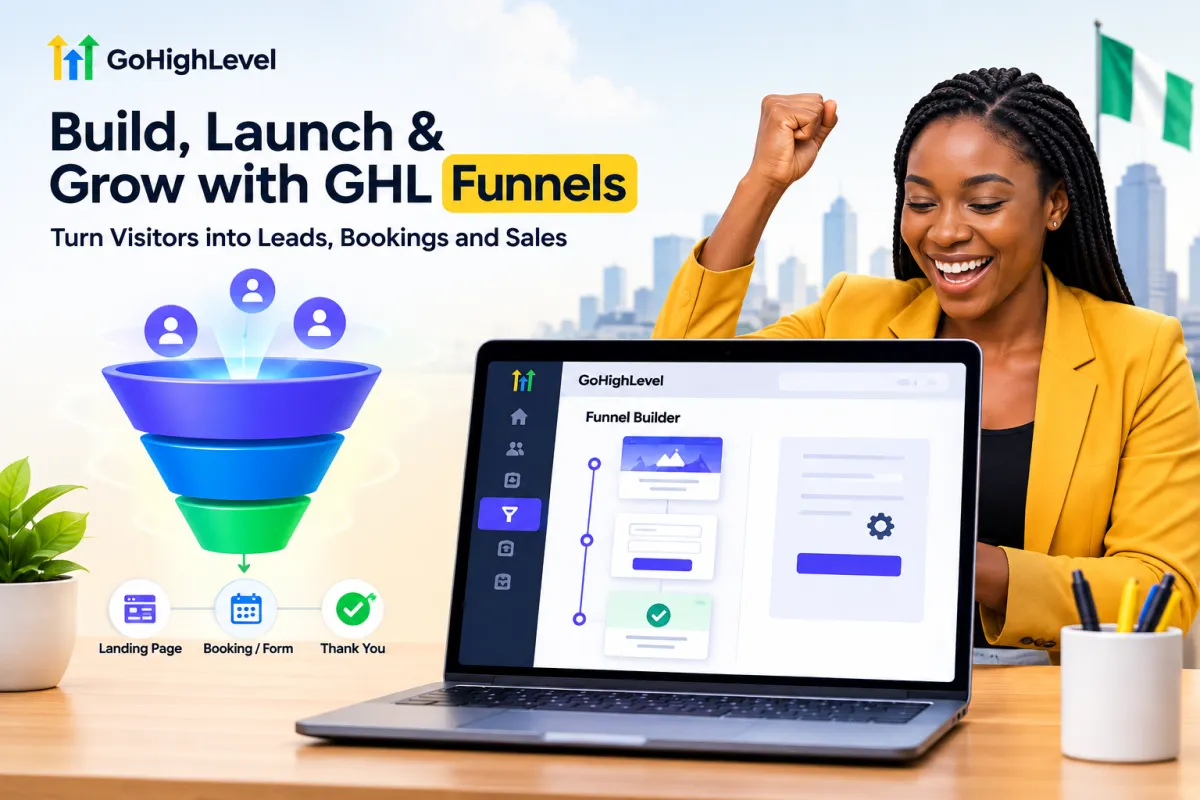
A simple funnel might look like this:
Landing page → explains the offer, one clear headline, one call to action
Form or booking page → captures contact details or books a call
Thank-you page → confirms what happens next, and can hold a WhatsApp link or a bonus offer
For a Lagos-based skincare brand, that could mean a page announcing a launch discount, a short form to claim it, and a thank-you page that redirects straight into a WhatsApp chat. For a consultant, it's a landing page pitching the discovery call, a calendar booking step, and a confirmation page. Same builder, different goal.
Step 1: Plan the funnel before you touch the builder
This is the step people skip, and it shows. Before opening GHL, get clear on three things:
What's the one outcome you want? A sale, a booked call, a WhatsApp message, an email signup. Pick one. A funnel trying to do three things at once usually does none of them well.
What's the offer? A discount, a free consultation, a downloadable guide. Something specific enough to put in a headline.
How many steps does it actually need? Most funnels need two or three pages. Don't build five just because the template has five.
Step 2: Build the funnel inside GHL
In your GHL sub-account, go to Sites → Funnels.
Click + New Funnel in the top-right corner.
A Create New Funnel window pops up with three options: From blank (design from scratch), Funnel AI (describe your offer and it generates a full funnel in seconds, still in Beta), and From templates (start from one of GHL's prebuilt funnels). Type in a Funnel Name you'll actually recognize later, pick your starting point, and click Continue.
If you chose templates, GHL opens a Template Library with over a thousand options, filterable by category, Business Coaching & Consulting, Health & Wellness, Financial, and so on. Search or filter until you find something close to your offer.
Click into a template to preview it. You'll see a description of what the funnel is built for, its tags, and any prerequisites, some templates need a calendar already connected, for instance. If it fits, click Continue in the top-right corner.
GHL will show a short "Adding Template" loading screen while it pulls in the pages and images. This usually takes a few seconds.
Once it's loaded, name each step clearly inside the funnel, "Landing Page," "Booking Page," "Thank You Page", and click Edit on any step to open the drag-and-drop page editor. Add your headline, images, testimonials if you have them, and a form or booking calendar depending on what the page needs to do.
Set the next step for each page, so a visitor automatically moves forward after completing the action on that page.
If none of the templates fit, "From blank" gives you a clean canvas, and the AI option is worth a try for a quick first draft, though it still needs your eye on the copy afterward, especially anything referencing pricing in naira or local terms an AI trained mostly on US content might get slightly wrong.
Keep the copy short on the landing page. One clear headline, one clear offer, one button. If you're not sure what to write, picture explaining the offer to someone in a two-minute phone call, write down roughly what you'd say, then trim it further.
Step 3: Add the form and connect it to automation
The form on your funnel works exactly like a standalone GHL contact form, if you want the full breakdown of fields, styling, and workflow triggers, we covered that separately in how to create, embed, and use a GHL contact form.
You can drop a form element directly onto your capture page from inside the funnel editor, or build one ahead of time under Sites → Forms, then select it when you're editing the page. Click + Add Form to start a new one.
Either way, choose which fields to collect and decide what happens after submission, a thank-you message, a redirect, or both.
Then, in Automation → Workflows, build the sequence that runs when someone completes the form:
Tag the contact so you know which funnel they came from
Send an instant WhatsApp or SMS reply, for a Nigerian audience, WhatsApp usually outperforms email for speed of response
Notify your sales team so someone follows up within minutes, not hours
Move the contact into the right pipeline stage
A funnel without a workflow behind it is just a pretty page. The automation is what actually turns a visitor into a conversation.
Step 4: Connect a domain
By default, your funnel lives on a GHL subdomain, which is fine for testing but not something you want to send paid traffic to. To use your own domain:
Buy a domain if you don't already have one, through a Nigerian registrar or an international one like Namecheap or GoDaddy, either works fine.
In GHL, go to Settings → Domains and add your domain.
Update the DNS records at your registrar (usually an A record or CNAME, depending on whether you're pointing a root domain or a subdomain) to match what GHL gives you.
Wait for propagation, this can take anywhere from ten minutes to a few hours, occasionally longer with some Nigerian registrars.
Once connected, assign the domain to your funnel inside the funnel settings.
If you're on a GHL.ng account, the domain connection process works the same way as any other GHL account. Just confirm with GHL.ng support which nameservers or DNS records they recommend if you bought the domain through them directly.
Step 5: Handle payments the Nigerian way
Here's where a lot of guides written for the US market fall short for us. GHL's native payment integrations are built around Stripe and PayPal, and Stripe doesn't support Nigerian bank payouts directly. If your funnel is collecting payment, for a product, a course, a deposit, you have a few real options:
Paystack and Flutterwave via Hordanso — since GHL doesn't have native Paystack or Flutterwave integrations, Nigerian businesses can use to connect these local payment options to their websites and payment workflows, making it easier to accept payments in Naira without relying on bank transfers or third-party workarounds.
A hosted Paystack payment page — build your funnel page to explain the offer, then link out (or redirect) to a Paystack checkout page for the actual transaction, and use a workflow to follow up once payment is confirmed.
Manual bank transfer + confirmation — still common for higher-ticket Nigerian offers. The funnel captures the lead, your team sends account details, and a workflow moves the contact forward once payment is confirmed manually.
None of these are as seamless as GHL's native Stripe checkout, and that's worth knowing before you build a funnel expecting a one-click Nigerian payment experience straight out of the box.
Step 6: Test everything before sending traffic
Walk through the entire funnel as if you were a stranger finding it for the first time.
Submit the form with a fake but valid-looking email and phone number
Confirm the contact appears correctly in your CRM
Check that any WhatsApp, SMS, or email automation actually fires
If payment is involved, run an actual small test transaction if you can, rather than assuming it works
Load every page on a mobile phone over regular mobile data, not just office wifi, a slow-loading funnel loses people before they even see the offer
Fix anything that breaks now. A funnel issue found after you've already paid for ads is a far more expensive mistake than the ten minutes it takes to test properly.
Step 7: Launch and watch the numbers
Once everything checks out, publish the funnel and start sending traffic, organic posts, WhatsApp broadcasts, paid ads, wherever your audience actually is. Give it a few days of real traffic before making changes. Check:
How many visitors reach the form or booking page
How many actually complete it
Where in the funnel people are dropping off, if GHL's analytics show a clear pattern
If a lot of people land on the page but few submit the form, the problem is usually the offer or the copy, not the tech. If people submit but never respond to your follow-up, look at the automation, how fast is the first message going out, and does it sound like a real person?
Common mistakes to avoid
Building a five-step funnel for a simple offer. Most businesses only need two or three pages. More steps mean more places for people to drop off.
Skipping the domain connection. Sending paid traffic to a raw GHL subdomain looks less trustworthy than a branded URL, and it shows in conversion rates.
Assuming Stripe checkout will just work. It won't, for Nigerian payouts. Plan your payment flow before you build, not after.
No automation behind the form. The funnel captures the lead. The workflow is what turns it into a sale.
Not testing on mobile data. Most of your Nigerian audience isn't browsing on fast office wifi.
Wrapping up
A funnel is really just a website with the guesswork removed, one goal, one path, and an automation that follows up the moment someone raises their hand. GHL gives you the builder, the CRM, and the workflow engine in one place, which matters more here than almost anywhere, given how much extra friction Nigerian businesses already deal with around payments and domains. Plan the offer first, keep the funnel short, connect real automation behind it, and test it properly before you spend a single naira sending traffic to it.
If you're still deciding whether GHL is the right platform for your funnels and automation compared to other tools, our comparison of GoHighLevel vs HubSpot breaks down how the two stack up.
FAQs
1. What's the difference between a GHL website and a GHL funnel? A website is built for browsing, with a menu and multiple pages a visitor can explore in any order. A funnel is built for conversion, guiding a visitor through a fixed sequence of pages toward one specific outcome, like a booking or a sale.
2. Can I accept Naira payments directly inside a GoHighLevel funnel? Not through GHL's native checkout, since that's built around Stripe and PayPal. Most Nigerian users connect Paystack through a workaround such as Zapier or a linked hosted payment page, or handle payment confirmation manually through a workflow.
3. Do I need a custom domain to launch a funnel? Not strictly, but it's strongly recommended. A GHL subdomain works fine for testing, but a branded domain looks more trustworthy to visitors and performs better once you start sending paid traffic.
4. How long does it take to build and launch a funnel in GoHighLevel? A simple two or three-page funnel can be built in a few hours if the offer and copy are already sorted. Add extra time for domain connection, since DNS propagation can take anywhere from ten minutes to a few hours.
5. Can I use WhatsApp instead of email for funnel follow-up? Yes, and for a Nigerian audience it usually performs better. Once WhatsApp is connected to your GHL account, you can add a "Send WhatsApp Message" action to the workflow triggered by your funnel's form, so leads get a near-instant reply.